


What is the SmartWords Knowledge Base?
It is a public SmartWords hub for vocabulary, translations, grammar topics, pronunciation pages, and course guidance.
SmartWords
SmartWords Knowledge Base provides vocabulary, translations, CEFR-based course guidance, and language-learning resources across multiple languages.
Explore public SmartWords resources for vocabulary, phrases, grammar topics, and course-level guidance. Use this hub to browse language portals and discover learning content built from the same SmartWords data used in the app.
The SmartWords Knowledge Base helps you learn vocabulary, phrases, grammar, and CEFR-level language skills through structured public learning pages.
Choose a language to explore vocabulary, example phrases, CEFR guidance, and related learning resources.
Start with a curated set of useful SmartWords pages that answer common language-learning questions.
SmartWords connects public reading pages with the structured learning system used inside the app.
Today's hand-picked vocabulary, grammar, and pronunciation page for English. Bookmark this section — it refreshes every day.
Subscribe to SmartWords daily picks. Choose the topics you want — we send one short email per day.
It is a public SmartWords hub for vocabulary, translations, grammar topics, pronunciation pages, and course guidance.
You can explore word meanings, translations, example phrases, topic vocabulary, pronunciation guidance, and CEFR-based course summaries.
SmartWords currently publishes KB pages for English, Dutch, German, French, Spanish, and Turkish.
Yes. KB pages link back into SmartWords so you can move from reading a public page to interactive practice.
Yes. The public knowledge base pages are open to browse, and SmartWords app practice is available through the main product.
Use SmartWords to practice vocabulary, phrases, and course content interactively.
Six word games built around our real vocabulary — free in the browser, no install.
Open the game hub →
Match the center word under time pressure and keep the combo alive.
Play now →
Fly through the correct gate before the speed ramps up.
Play now →
Slice the goal-language words, avoid the main-language decoy, and chase the announced bonus target.
Play now →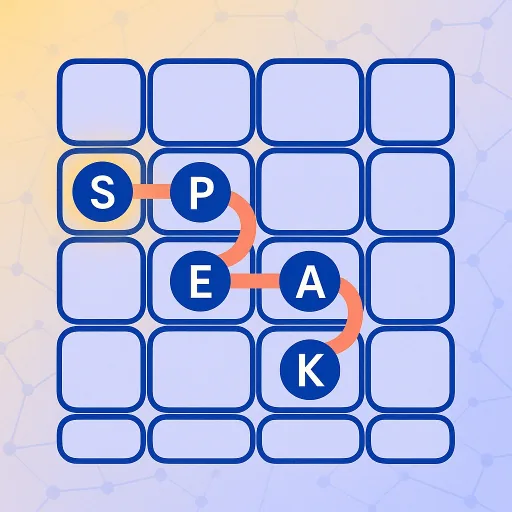
Trace a single path across the board, hit each letter anchor in order, and fill every open cell.
Play now →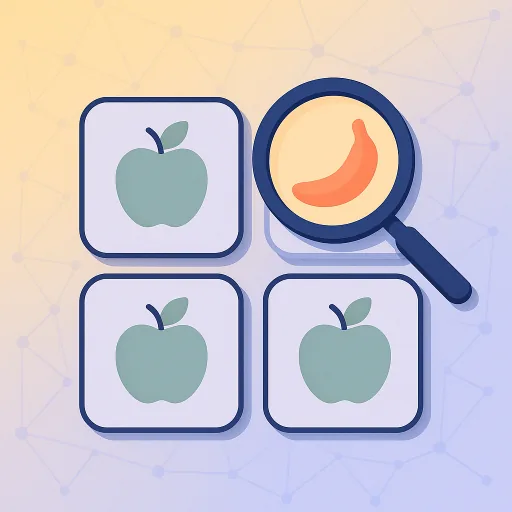
Pick the word that doesn't belong from a topic-driven set — every tap reveals all four meanings and images so the round becomes a flash-card too.
Play now →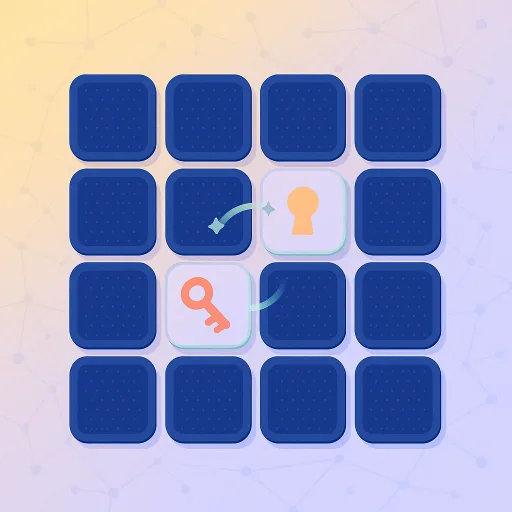
Flip and match goal-language words to their main-language meaning before your lives run out.
Play now →