


Reading dialog
-
Lars
 Log in met Google.
Log in with Google.
-
Anna
Log alsjeblieft in op je computer.
Please log in to your computer.
-
Lars
Zij gaat naar de app store.
She goes to the app store.
-
Anna
Ik log in elke ochtend om mijn mail te lezen.
I log in every morning to read my mail.
-
Lars
Mijn telefoon is nieuw en heel snel.
My phone is new and very fast.
-
Anna
Hij kan nu niet uitloggen van de site.
He can't log out of the site right now.
-
Lars
Probeer het later alsjeblieft opnieuw als het niet werkt.
Please try again later if it doesn't work.
-
Anna
Ik gebruik elke dag het toetsenbord en de computermuis.
I use the keyboard and mouse every day.
Practice this lesson in SmartWords
Listen, repeat, and tap any word in the dialog to see its meaning and audio.
Related A1 lessons in Dutch
Play SmartWords games
Six word games built around our real vocabulary — free in the browser, no install.
Open the game hub →-

Word Sling
Match the center word under time pressure and keep the combo alive.
Play now → -

Word Gate
Fly through the correct gate before the speed ramps up.
Play now → -

Word Ninja
Slice the goal-language words, avoid the main-language decoy, and chase the announced bonus target.
Play now → -
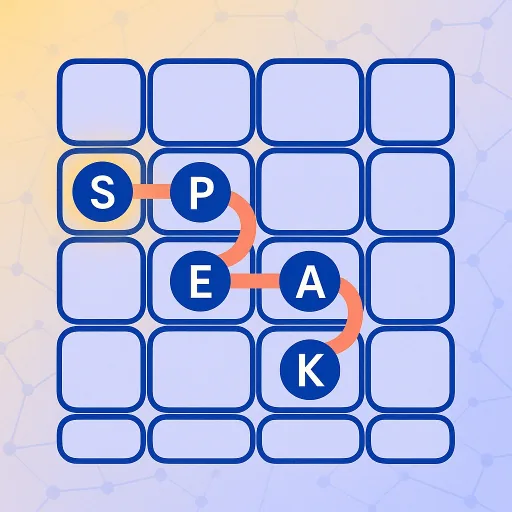
Word Zip
Trace a single path across the board, hit each letter anchor in order, and fill every open cell.
Play now → -

Word Oddity
Pick the word that doesn't belong from a topic-driven set — every tap reveals all four meanings and images so the round becomes a flash-card too.
Play now → -

Word Memory
Flip and match goal-language words to their main-language meaning before your lives run out.
Play now →